Ransomware: When Scammers Hold Your Files Hostage
Posted on Oct 8, 2026
An email arrives with an invoice you weren’t expecting. You open the attachment to see what it’s about. That file could contain malicious software designed to lock your documents and put your information in someone else’s hands.
Ransomware attacks can affect individuals and businesses alike. Understanding how they work can help you protect your information and respond if you’re targeted.
What is ransomware?
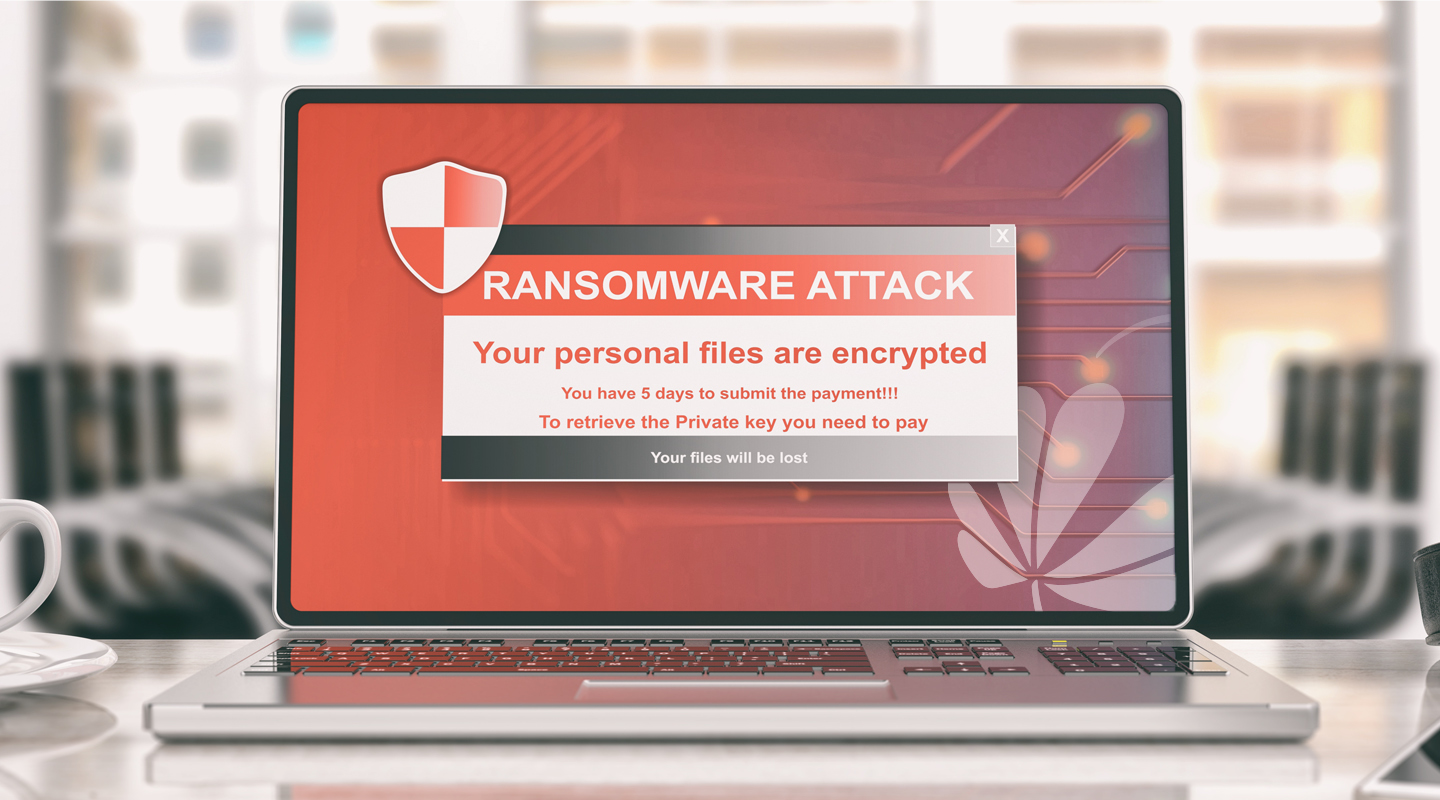
Ransomware is malicious software that can encrypt your files or lock your device, preventing you from accessing them. Criminals then demand payment in exchange for restoring access.
Some attackers also steal information and threaten to publish it unless you pay. That means an attack can put both your files and your privacy at risk. Paying does not guarantee that your information will be recovered or that stolen data will be deleted.
How does it get onto your device?
Ransomware can begin with a phishing email, harmful attachment, or download from an untrustworthy website. Attackers also exploit outdated software and weaknesses in account security.
The message may look routine: an invoice, delivery notice, or document shared by someone you recognize. A familiar name alone does not prove a message is safe.
Before opening an unexpected file, ask yourself: Was I expecting this? Does the request make sense? Can I confirm it with the sender using a phone number or contact method I already trust?
How to protect your information
Verify unexpected messages. If a message asks you to open a file, download software, or act urgently, confirm the request independently. Avoid using contact information supplied in the suspicious message.
Keep your software updated. Install updates for your operating system, browser, apps, and security software. Updates help close weaknesses criminals can exploit.
Make backups that an attack cannot easily reach. Keep copies of important files on an external drive that you disconnect after backing up. If you use cloud backups, check whether the service lets you recover earlier versions of your files. A backup that stays connected to an infected device may also be affected.
Strengthen your account security. Use a different password for each account and turn on multifactor authentication when available. This adds protection if someone obtains your password.
If you believe your banking information has been exposed, contact Notre Dame FCU using the number on your card or contact information from NotreDameFCU.com. Use a separate, trusted device to review your accounts and change passwords.
Protect your files before you need them
At Notre Dame FCU, helping members recognize fraud is part of supporting their financial well-being. Verifying an unexpected message, installing updates, and keeping a disconnected backup can help reduce the risk of ransomware and give you more options if an attack occurs.